
👑 Live Queen Finder
🎯 Purpose
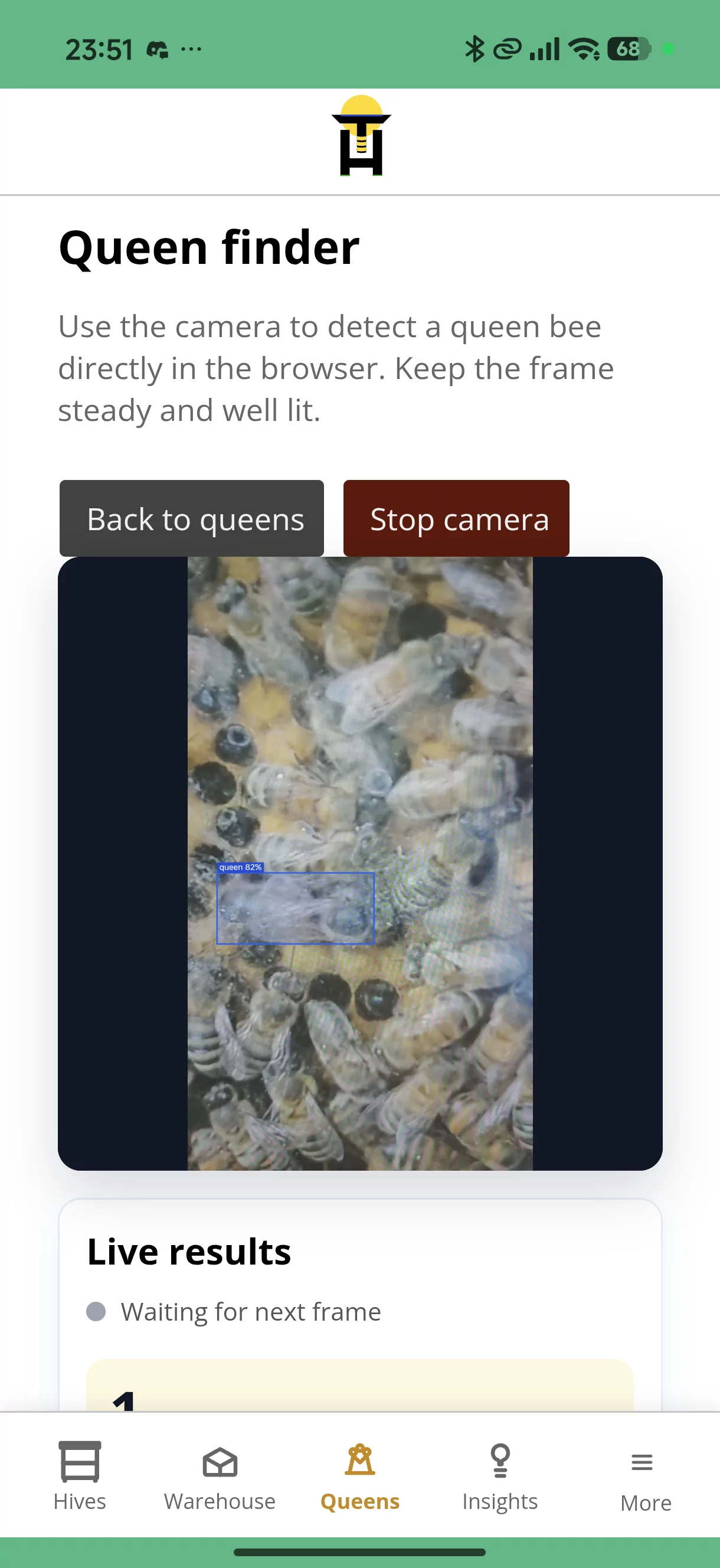
Live Queen Finder helps beekeepers spot queen bees during hive inspections using a mobile phone camera.
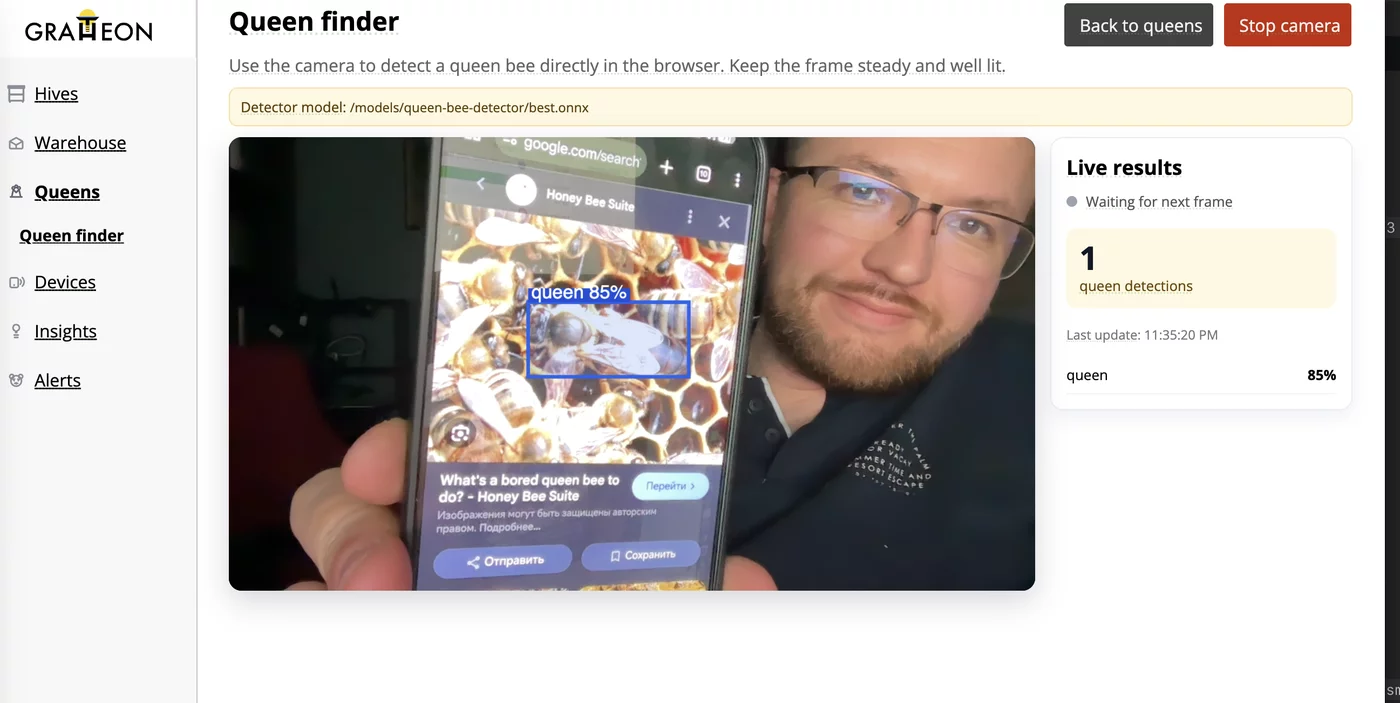
Open the Gratheon app, point the camera at a frame, and the detector draws a box around queen-like detections while you inspect.
🎭 User Story
- As a beekeeper inspecting a hive
- I want live camera assistance while looking for the queen
- So that I can find her faster and spend less time searching each frame
🚀 Key Benefits
- Field-ready: Works from the Gratheon app on a mobile phone with camera access.
- No upload step: Camera frames are processed locally in the browser.
- Free tier access: Available on the Free plan because inference runs on the user's device.
- Faster inspections: Helps narrow attention to queen-like detections while the queen moves across the frame.
🎓 How to Use
- Open app.gratheon.com on your phone.
- Go to Queens → Live detector.
- Allow camera access when the browser asks.
- Move steadily across the comb and watch for the detection box.
Direct link: app.gratheon.com/warehouse/queens/detect
🔧 Technical Overview
Live Queen Finder uses a YOLOv8 nano queen detector exported to ONNX and runs it in the browser with ONNX Runtime Web. It does not use Gratheon server-side image processing credits for inference.
The current baseline model reports these test-split metrics:
- precision:
0.9727 - recall:
0.8590 - mAP50:
0.9187 - mAP50-95:
0.6114
Model repository: github.com/Gratheon/models-queen-bee-detector
⚠️ Current Limitations
- Requires a modern browser and camera access.
- Speed depends on the phone, browser, and lighting conditions.
- It can miss queens or produce false positives, especially with blur, poor focus, crowded frames, or partially hidden queens.
- Always confirm the detection visually before making queen-management decisions.
🔗 Related Features
Last Updated: June 8, 2026